Face Sheet Maker for RPG MAKER MV/MZ
A downloadable tool for Windows
Single-file tool for creating RPG Maker MV face sets from your own portraits — no game project or external software needed.
Features:
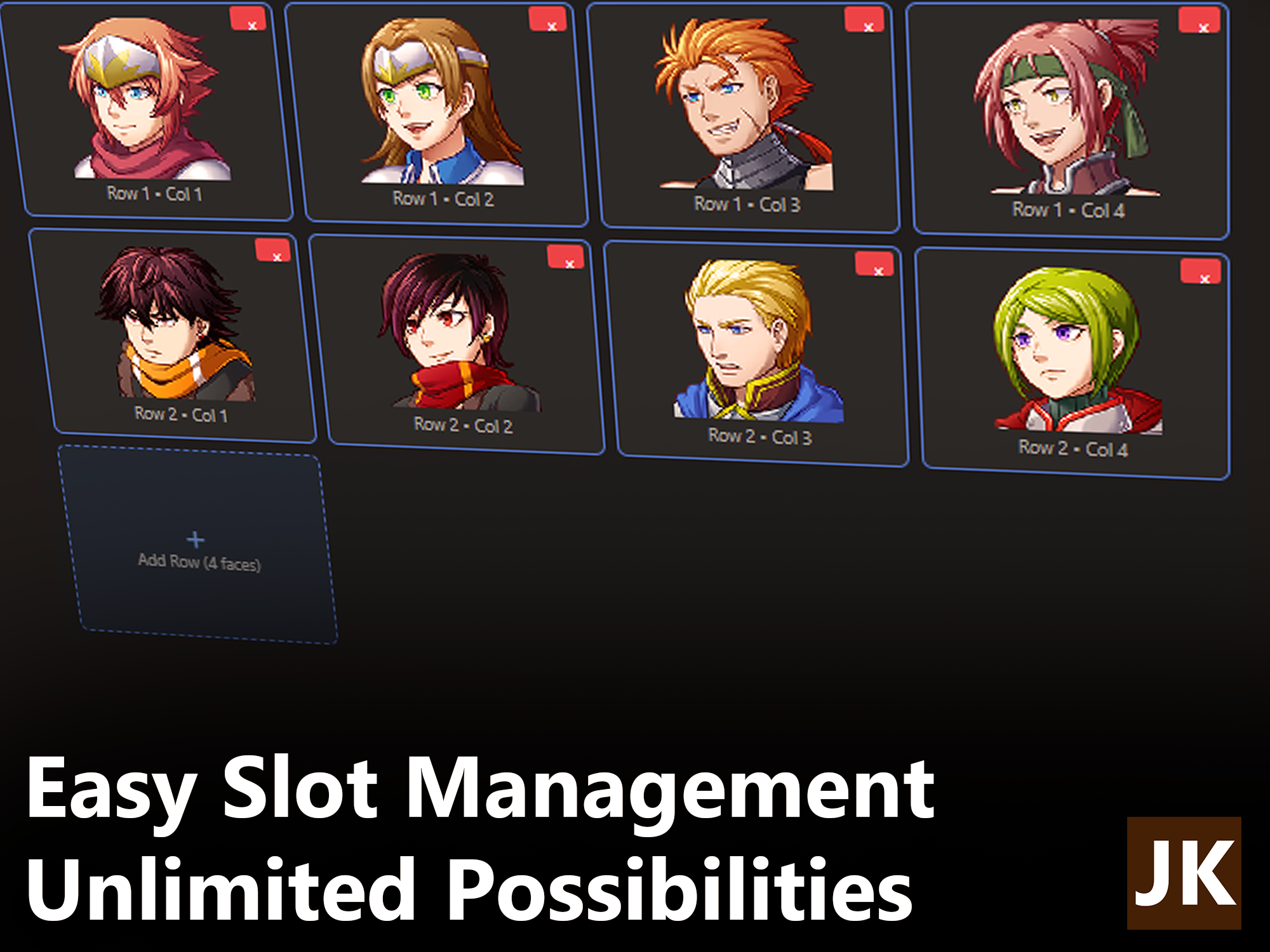
- Arrange portraits into standard 2×2 (4-face) or 4×4 (16-face) sheets
- Face size presets: 72×72, 96×96, 144×144, 192×192, 256×256 — perfect for
img/faces/ - Click each slot to upload an image: auto-crop + center so faces line up neatly
- Repeat Face 1 to all slots for quick placeholder sets
- Import an existing face sheet image and split it back into editable slots (auto-detects 2×2 or 4×4)
- Live preview of the finished sheet with full-size display
- Editable export file name
- Project save/load (JSON) to keep working on a set later
- History panel — your last 10 generated sheets are kept for quick reload
Built-in Draw Editor
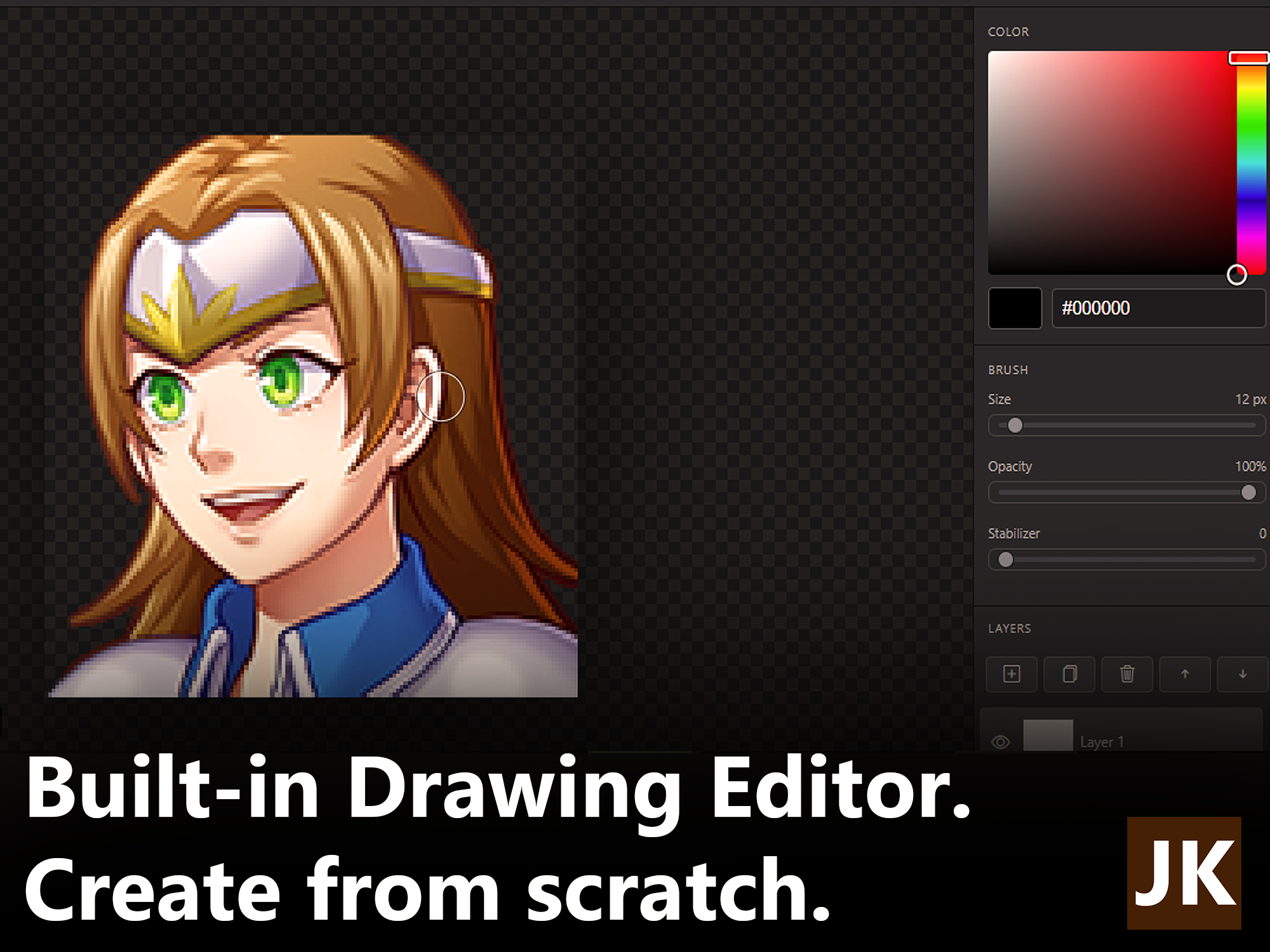
Every face slot isn't locked in. right-click any face on the sheet to open it in the built-in Studio Draw editor and customize that single slot however you want. When you've got it right, just apply it back to the grid. The rest of your sheet stays untouched.
What you can do
- Full toolset: brush, pencil, eraser, line, rectangle, ellipse, fill bucket, and eyedropper, plus a pan tool for easy navigation.
- Layers, not just paint: Add, duplicate, delete, and reorder layers with per-layer opacity, visibility toggles, and real blend modes (multiply, screen, overlay, color dodge/burn, and more).
- Precision controls : Adjustable brush size, opacity, and stroke stabilizer, full color picker with hue and saturation/value sliders.
- Fast, natural workflow: Scroll to zoom in/out on the canvas,
Ctrl+scroll to change brush size on the fly, and holdAltwhile painting to temporarily pick colors straight from the canvas. - Undo / redo history: 15 steps of undo, so no stroke is permanent until you apply.
Custom slots
- Works one slot at a time: right-click the exact face you want to edit.
- The editor inherits the slot's current image and grid settings automatically.
- Apply creates a clean, cropped replacement that drops straight back into that slot and marks the project as modified.
Export is a single PNG ready to drop into img/faces/ in your RPG Maker MV project. Simple to use, no install required for the portable version.
v1.2.0
Download
Click download now to get access to the following files:
Development log
- 1.2.0 Released5 hours ago
- 1.2.0 Preview22 hours ago
- Version 1.1.0 details5 days ago